Describe the deliverable, not just the style
State the subject, composition, audience, channel, and any exact wording inside the image. GPT Image 1.5 performs best when the brief explains what the asset must communicate, not only how it should look.
Best for briefs that need clean prompt following, readable on-image text, and edits that preserve layout, lighting, or brand direction instead of drifting away from the source.


GPT Image 1.5 is strongest when the deliverable has to follow the brief closely: ad creative with readable text, product or packaging updates, and image edits that keep the original visual logic intact.

This is the model to reach for when the still image needs both creative range and operational control: clearer prompt adherence, better text rendering, and edits that stay closer to the approved source.

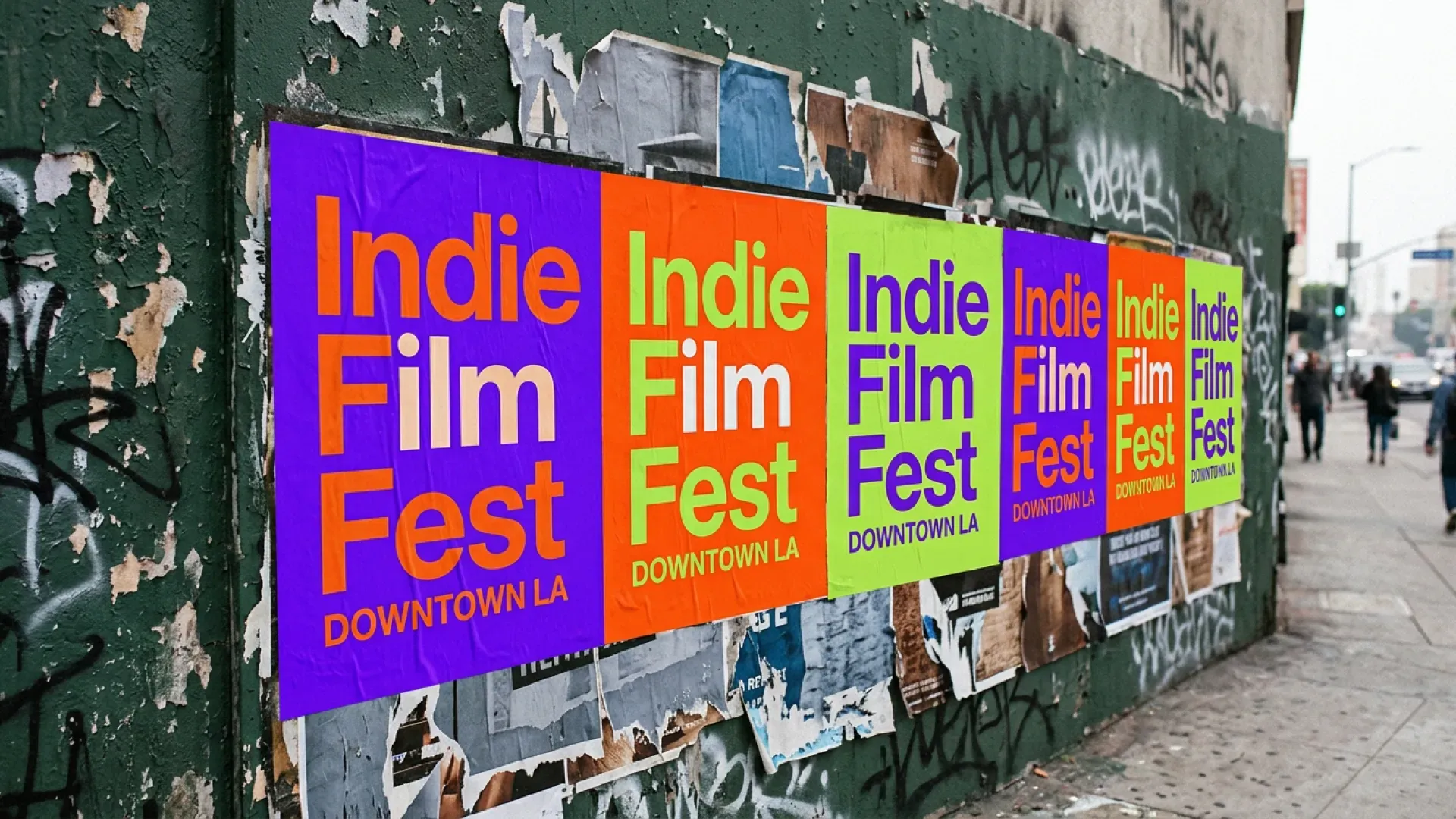
GPT Image 1.5 is a better fit for posters, ads, packaging concepts, interface mockups, and other visuals where wording, hierarchy, and layout need to remain readable and intentional.
Treat the prompt like a real deliverable spec, then use reference images and quality settings deliberately instead of leaving the model to guess what matters.
State the subject, composition, audience, channel, and any exact wording inside the image. GPT Image 1.5 performs best when the brief explains what the asset must communicate, not only how it should look.
Use source images when the next version should preserve a product shot, campaign composition, packaging structure, or character identity while changing selected elements, styling, or environment details.
Use standard quality for faster draft loops and high quality for more detailed review-ready images. Then check text clarity, object placement, and preserved details before approving the final frame.
GPT Image 1.5 is most valuable when the image has to behave like a real working asset: easy to brief, easy to revise, and clear enough to survive review.
Create visuals where the message, hierarchy, and placement of on-image copy matter almost as much as the image itself.
Update packaging artwork, label copy, materials, or styling without throwing away the approved product framing that already works.
Refresh an existing hero image by changing backgrounds, props, styling, or layout details while keeping the core campaign identity consistent.
Use GPT Image 1.5 when the output blends imagery with interface-like, chart-like, or print-like information design that needs cleaner structure.
Generate new product scenes, audience variants, or merchandising refreshes while preserving the original product, pose, or scene direction.
Build stills that are easier to compare, approve, and revise because the model follows the brief more literally and requires fewer random retries.
Start from a prompt or reference images, tighten text and composition, and create stills that are easier to review, revise, and ship across brand, product, and campaign workflows.
Answers about text rendering, multi-reference editing, quality modes, and when to use GPT Image 1.5 in a production image workflow.
The recurring theme is stronger prompt adherence, cleaner text handling, and edit passes that keep more of the original structure intact.
“
GPT Image 1.5 is the one we reach for when the image needs actual copy inside it and we still want the frame to feel intentional.
“
It is more useful for ad refreshes because we can keep the winning composition and only change what the next test really needs.
“
The reference-image workflow is what matters. The product direction survives more often, which cuts down the review loop.