1
Describe the image job
Start with the real deliverable: product shot, poster, ad concept, UI mockup, campaign visual, thumbnail, or reference-based edit.
Use a ChatGPT Image-style prompt flow with GPT Image 2 selected, upload references when needed, and turn rough ideas into polished visuals inside GPTIMG2 AI.
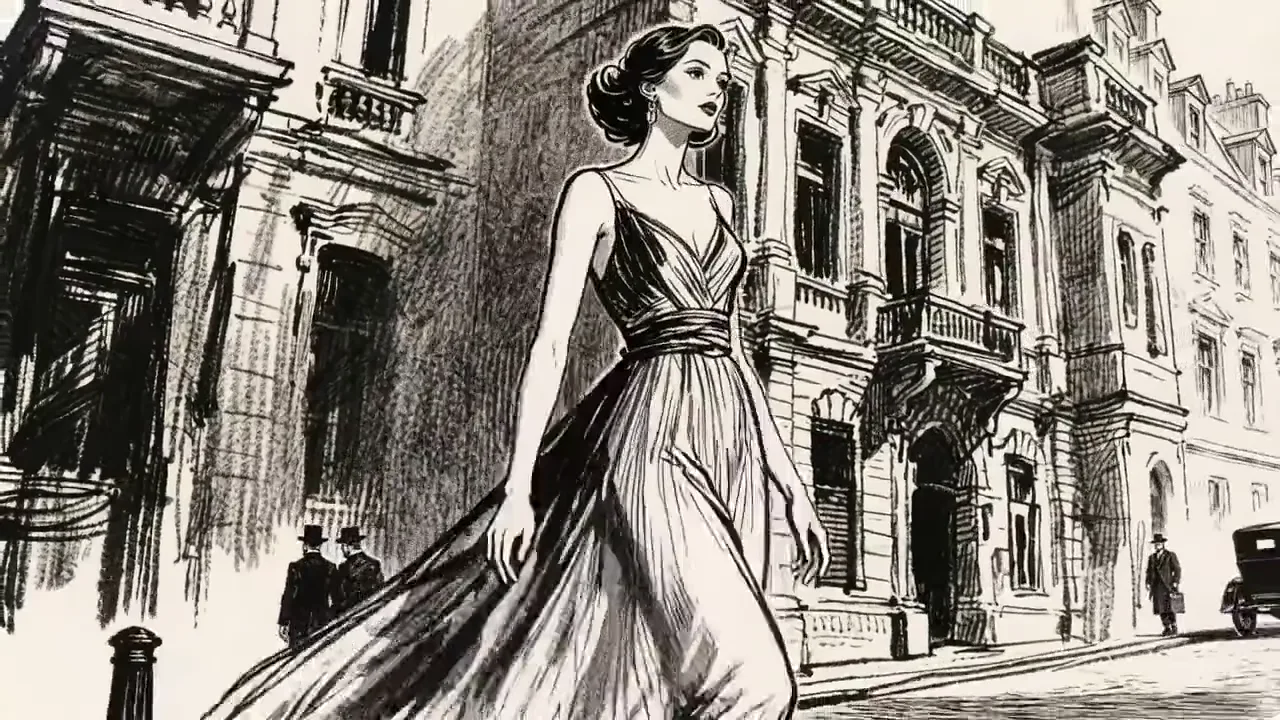
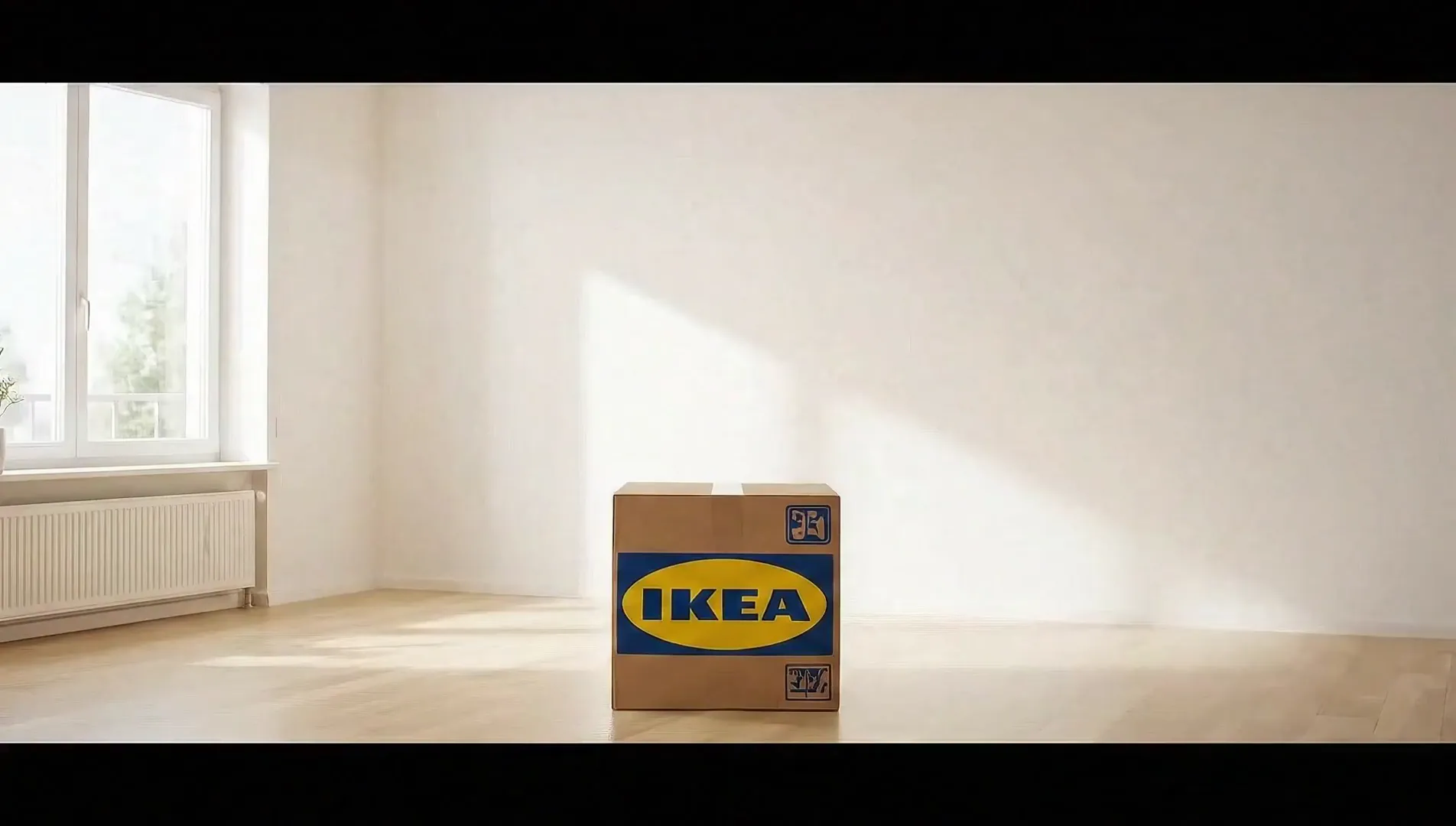
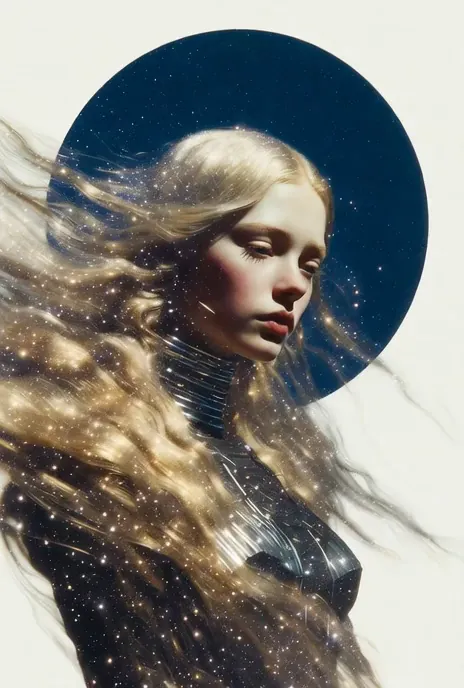
Use ChatGPT Image-style prompting with GPT Image 2 selected in GPTIMG2 AI. Generate images, upload references, refine copy-heavy visuals, and move from idea to usable creative faster.
Use ChatGPT Image-style prompting with GPT Image 2 selected in GPTIMG2 AI. Generate images, upload references, refine copy-heavy visuals, and move from idea to usable creative faster.
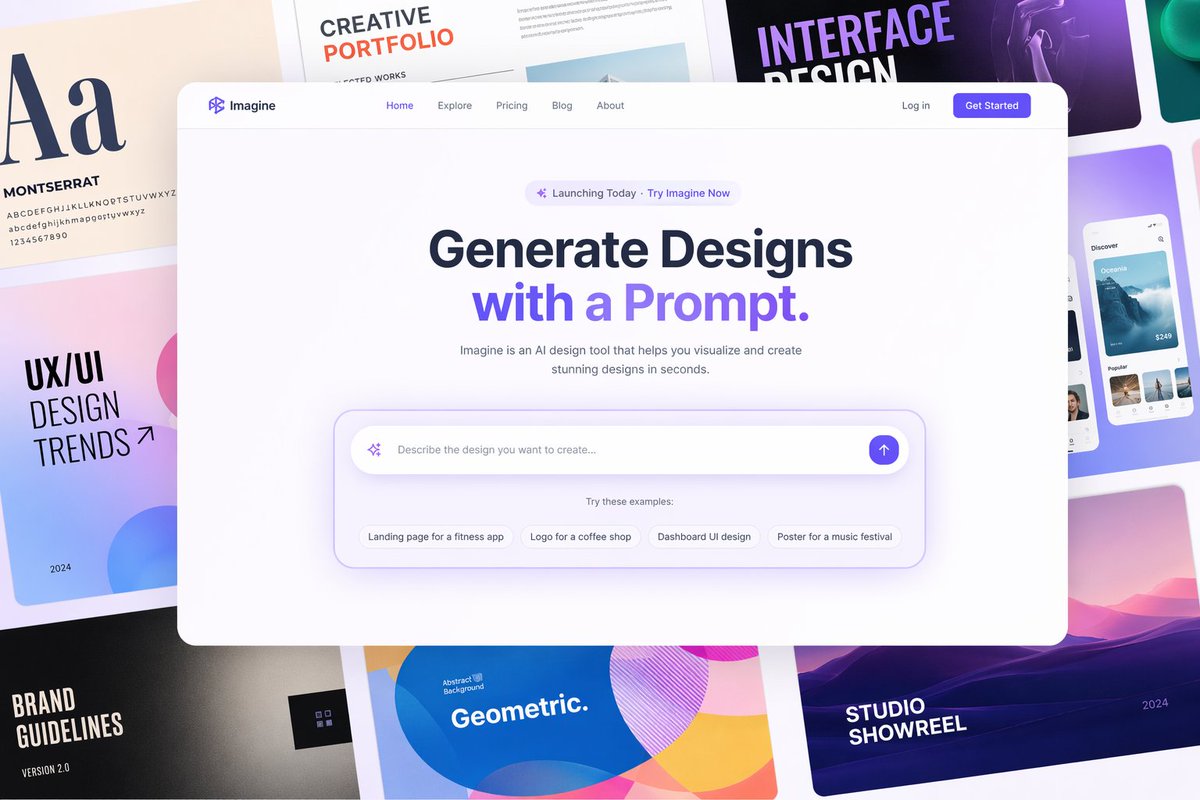
People searching this term usually want a practical tool, not a naming debate. The page leads with generation and then explains prompts, references, text rendering, and editing controls.
The page gives users an immediate image workspace, which better matches ChatGPT image generator intent than a long article without a working entry point.
Use the prompt box like a creative brief: explain the asset, specify visible text, add references when needed, and refine only the part that needs testing.
Start with the real deliverable: product shot, poster, ad concept, UI mockup, campaign visual, thumbnail, or reference-based edit.
Put exact headlines, labels, prices, or UI copy in quotes and describe where they should appear so the result is easier to review.
Save strong outputs, revise close-but-not-finished results, or open the prompt library when the prompt needs a better structure.
The page covers the jobs users expect from a ChatGPT-style image tool: fast ideation, clearer text, references, and usable marketing or product visuals.
Create campaign visuals, launch posters, paid ad directions, and social images from a short creative brief.
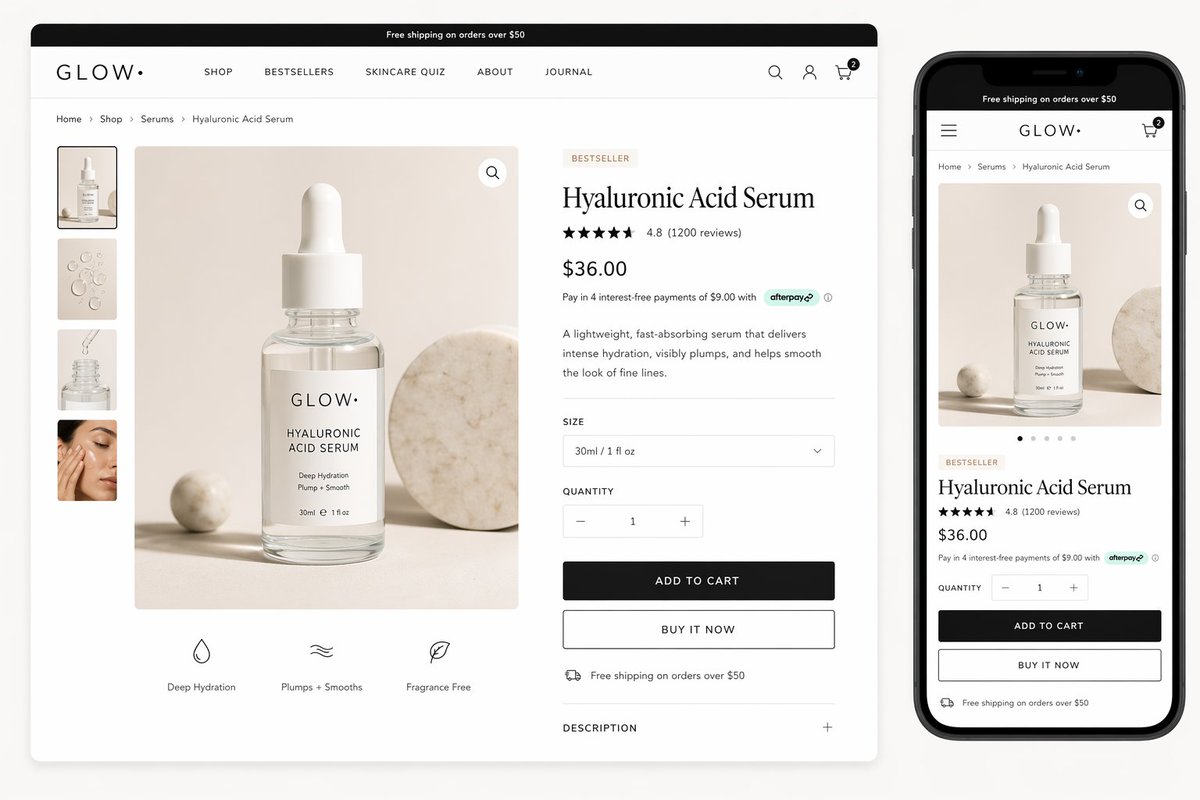
Generate hero shots, lifestyle scenes, packaging concepts, comparison images, and product-page graphics.
Use the workflow when headlines, labels, pricing, menus, or UI copy need to stay readable enough for review.
Turn a product idea into app screens, SaaS hero sections, landing-page concepts, and dashboard-style visuals.
Keep the approved subject or brand direction while changing scene, format, background, props, or visual style.
Use the prompt library when you need tested examples before writing your own ChatGPT-style image brief.
Open the image workspace, write a concrete prompt, add references when precision matters, and turn the best result into a usable visual direction.
Covers the practical questions behind ChatGPT image generator searches: what the page does, how it uses GPT Image 2, and where to continue.
The best use is practical: turn a rough idea into a visual draft, then tighten text, composition, and references until the asset is ready to judge.
“
It feels close to how we already brief images in chat, but the page gets us into the actual generator faster.
“
The reference step matters for product visuals. We can keep the product shape stable while testing new scenes.
“
It is a cleaner entry point for ChatGPT image searches, and the links make the next step obvious.
Browse the four practical paths in GPTIMG2 AI: AI image models, AI video models, AI image generators, and AI video generators.
5 Items
7 Items
1 Items