1
Choose the generator, ratio, and output size
Start with the generator that matches the job, then set the image format around the real destination: commerce, social, deck, poster, or storyboard.
Generate still images that are closer to the brief, easier to revise, and practical to reuse in campaigns, commerce, education, or story development.
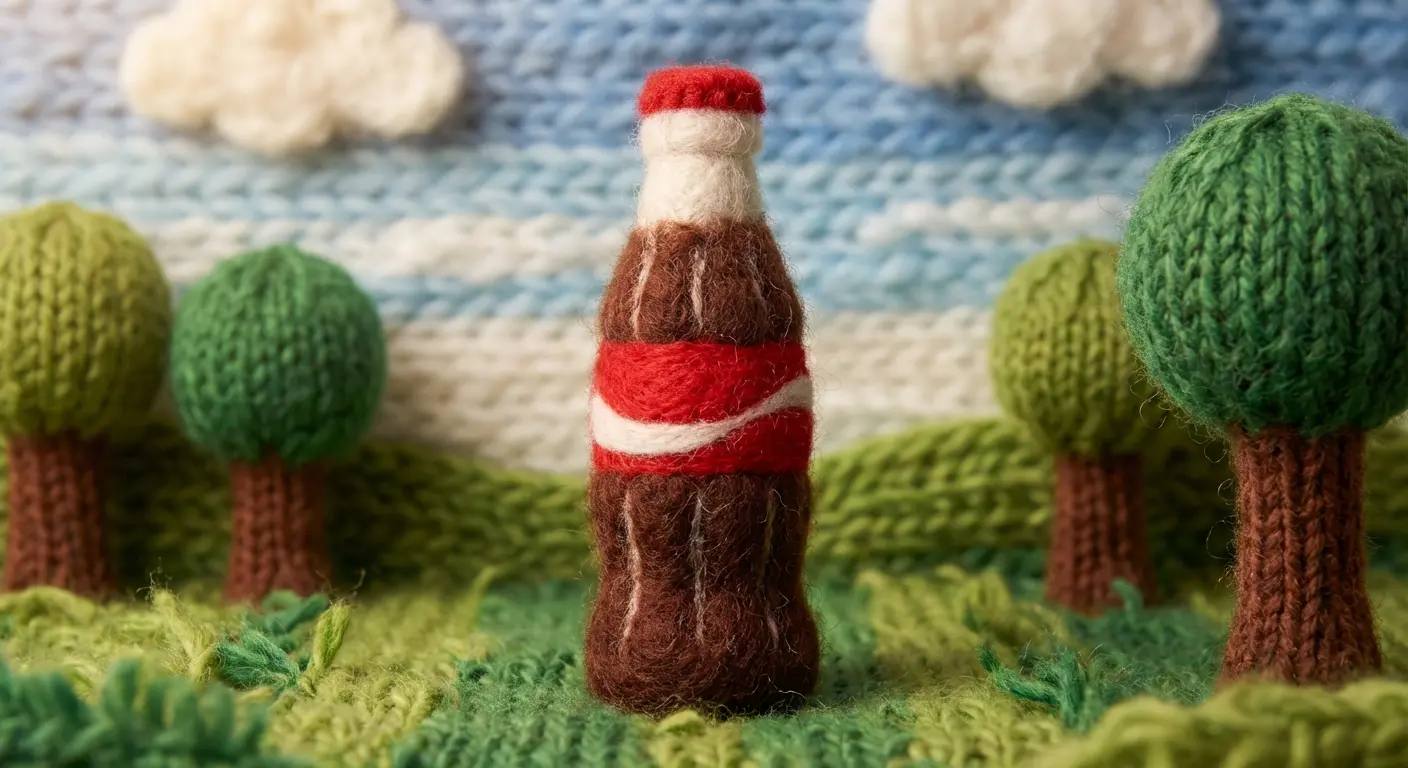


GPTIMG2 is designed for image-heavy work that needs more than novelty: product shots, posters, menus, campaign art, diagrams, and revisions guided by a source image instead of guesswork.
GPTIMG2 is designed for image-heavy work that needs more than novelty: product shots, posters, menus, campaign art, diagrams, and revisions guided by a source image instead of guesswork.
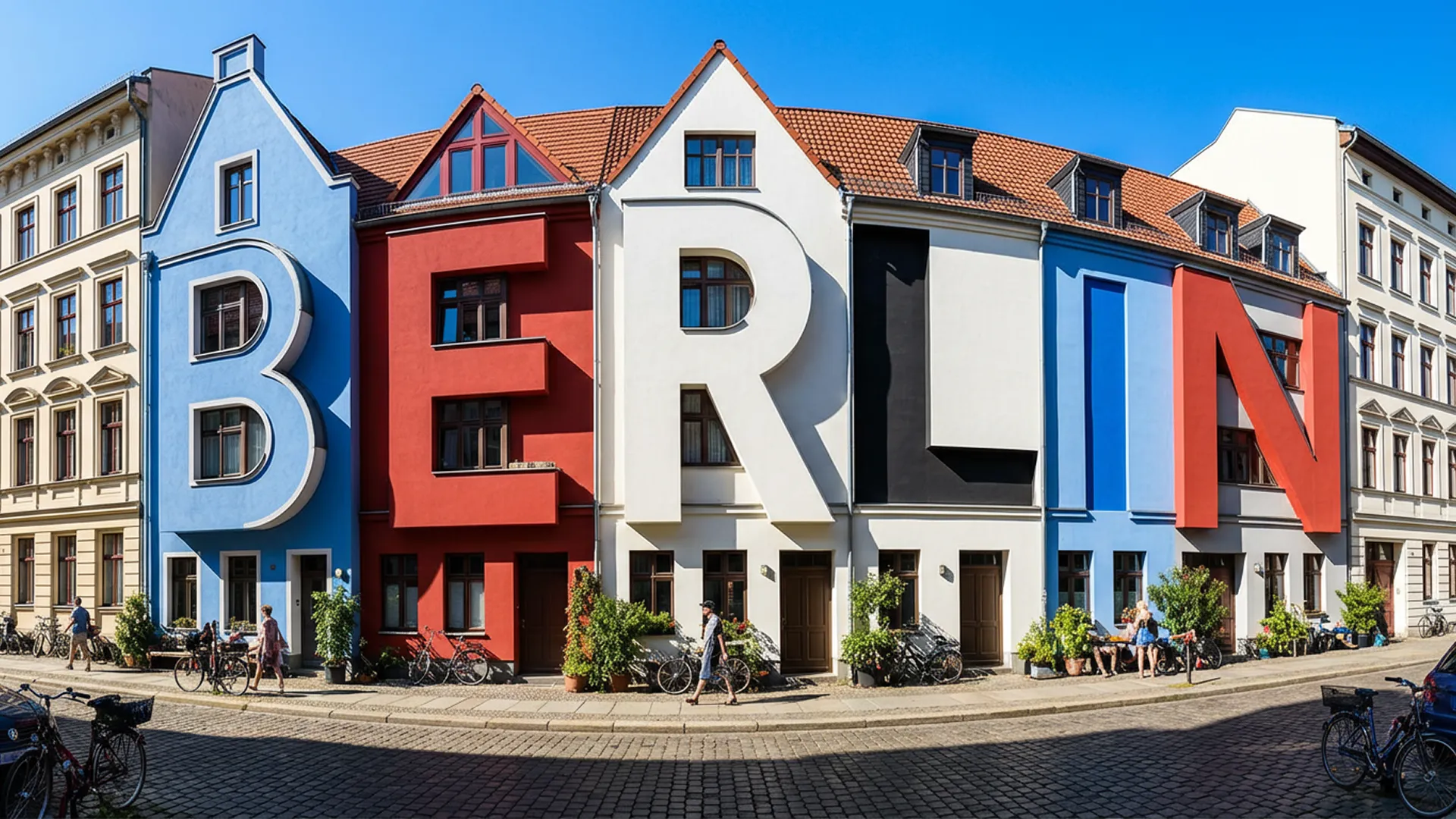
The strongest use cases are the ones where prompt accuracy, readable text, and tighter revisions matter more than raw novelty.

Use longer, more explicit briefs when the asset needs the right subject, framing, material cues, and intended use right away.
Describe the asset clearly, add a reference when control matters, and keep iterating until the image is good enough to review or ship.
Start with the generator that matches the job, then set the image format around the real destination: commerce, social, deck, poster, or storyboard.
Spell out the subject, composition, materials, typography, and intended use. Add a reference image when you need stronger control over what should stay fixed.
Compare outputs, keep the direction that already feels usable, and refine the details that usually break approval first: text, layout, styling, and subject fidelity.
The best fit is image-heavy work where the team needs cleaner first drafts and smarter revisions, not just endless concept sprawl.
Create hero images, product variations, packaging-led graphics, comparison frames, and supporting commerce imagery faster.
Build campaign stills with stronger hierarchy, readable copy, and a clearer visual direction before a designer spends time polishing the final version.
Use GPTIMG2 when the image itself needs to carry words, pricing, product naming, or graphic communication instead of only mood and composition.
Approve the still frame first, then move that look into a motion workflow when you need a stronger starting point for video generation.
Turn dense topics into clearer visuals, lesson art, annotated scenes, and fast-supporting graphics that make abstract ideas easier to teach.
Generate several credible routes from the same brief so the conversation can move from abstract opinion to concrete visual choices.
Generate the image that anchors the brief, refine it until the direction is solid, and reuse that asset across campaigns, commerce, education, or motion work.
Answers about prompting, text rendering, reference-led edits, output fit, and workflow decisions.
The recurring feedback is about control, clarity, and revision speed rather than novelty alone.
“
The first pass usually lands closer to the brief, which means we spend our time refining instead of re-explaining the concept.
Mia L.
Brand Designer“
Reference-based revisions are the real advantage. They let us keep the approved product direction intact across more versions.
Noah T.
E-commerce Lead“
For posters and promo art, readable text inside the image changes how quickly something becomes review-ready.
Ava C.
Creative Strategist“
It is much easier to compare multiple visual routes when each one still feels coherent enough to discuss with stakeholders.
Ethan R.
Design Lead“
We use GPTIMG2 to produce the still frame that anchors the rest of a launch. That makes every downstream asset easier.
Sophia M.
Product Marketing Manager“
Once the image is approved, it becomes the best starting point for motion work. That handoff is where a lot of the value shows up.
Liam K.
Motion DesignerCompare the rest of the generator library when the next step needs higher detail, faster drafts, more motion, or stronger scene continuity.
5 Items
7 Items
2 Items