1
Start from a proven prompt pattern
Open the prompt library when the idea is still loose. Pick a structure close to your use case, then adapt the subject, brand, format, and visible text.
Browse Prompt LibraryA practical prompt-to-image workflow for assets you can actually use
Use GPTIMG2 AI to turn prompts, reference images, and format choices into product visuals, posters, UI mockups, social creatives, and polished image edits.
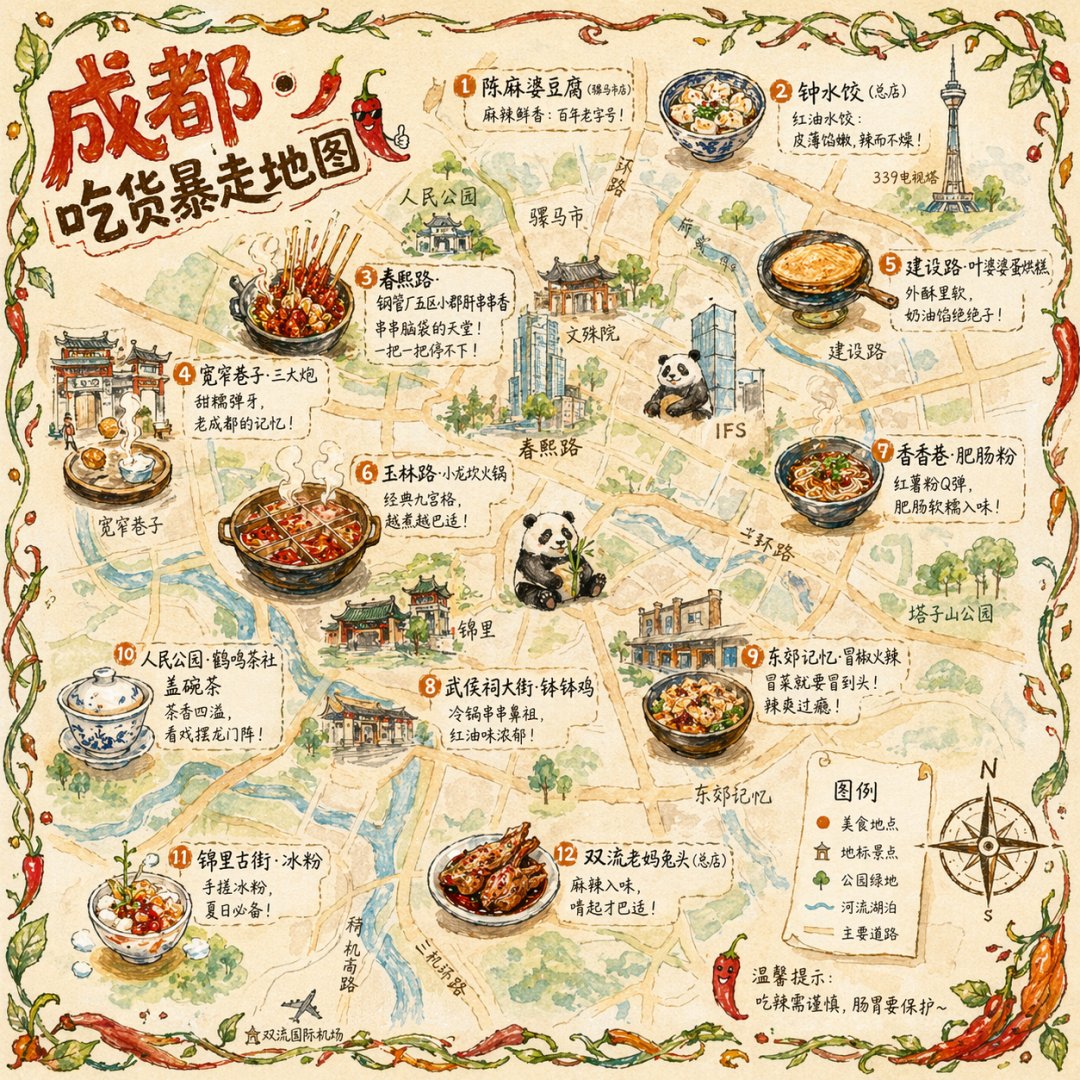
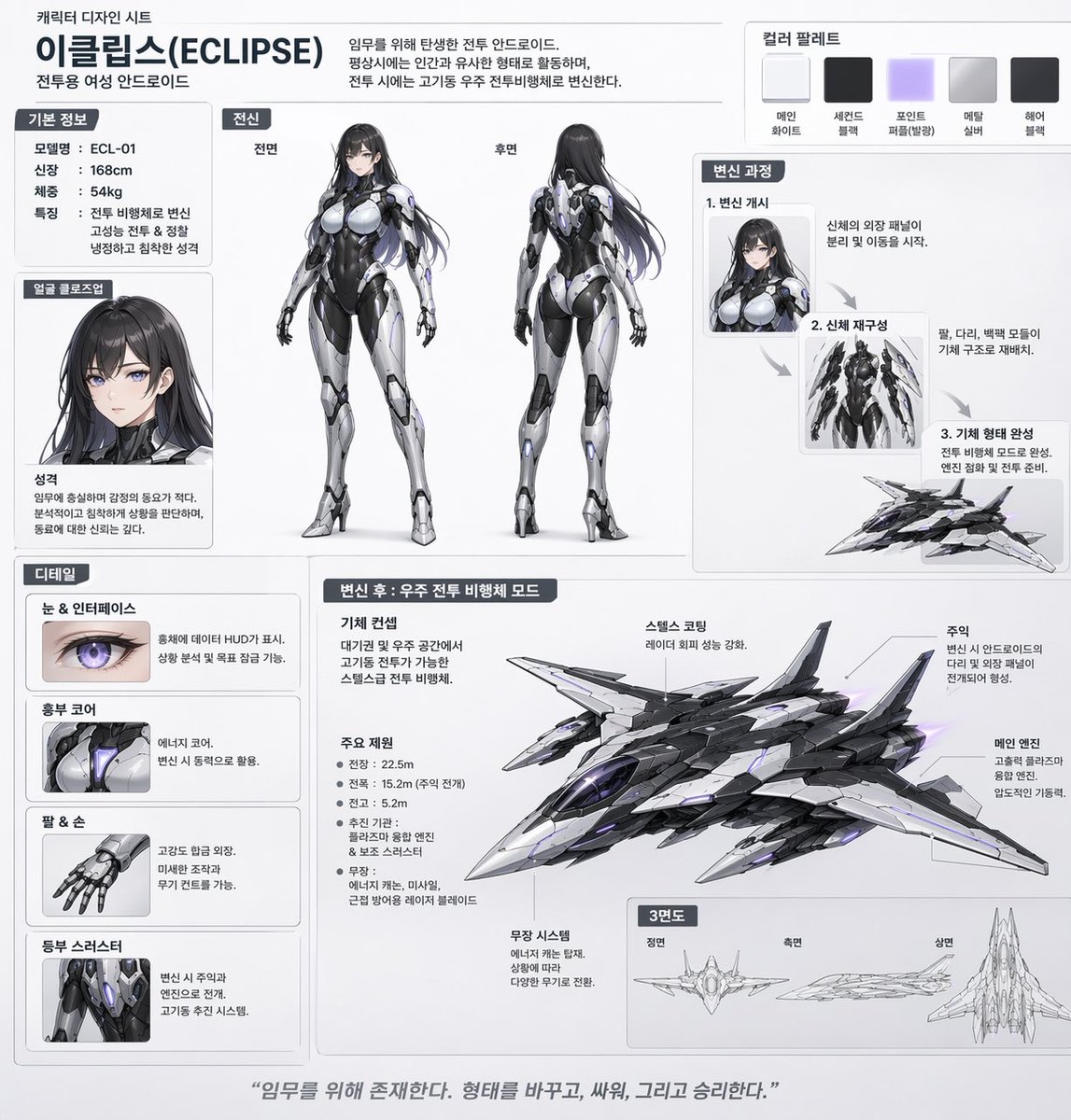
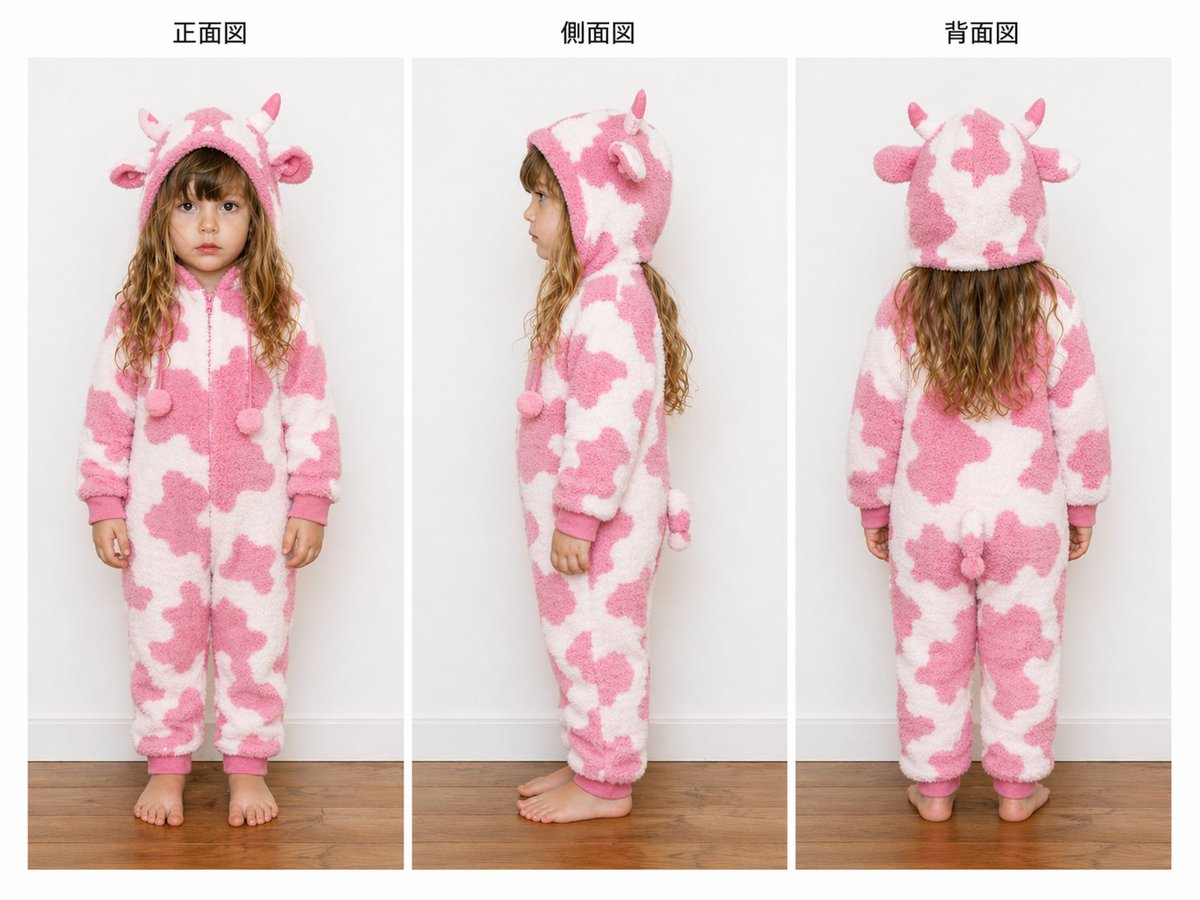
GPT Image 2 turns a written image brief, optional reference images, and output settings into finished visuals. Many people use terms like ChatGPT image or GPT image when they want this broader capability, but the work only becomes valuable when the prompt defines the subject, composition, text, format, and revision target clearly.
Prompt to image - Write a deliverable-focused brief and generate polished images from natural language.
Reference-aware editing - Upload images when product shape, character consistency, or layout needs to stay close.
Prompt library - Start from examples for product ads, posters, UI mockups, portraits, and social creatives.
Text-heavy visuals - Create labels, signs, UI scenes, and branded layouts where visible text matters.
This workflow is built for usable outputs, not just attractive experiments.
Open the prompt library when the idea is still loose. Pick a structure close to your use case, then adapt the subject, brand, format, and visible text.
Browse Prompt Library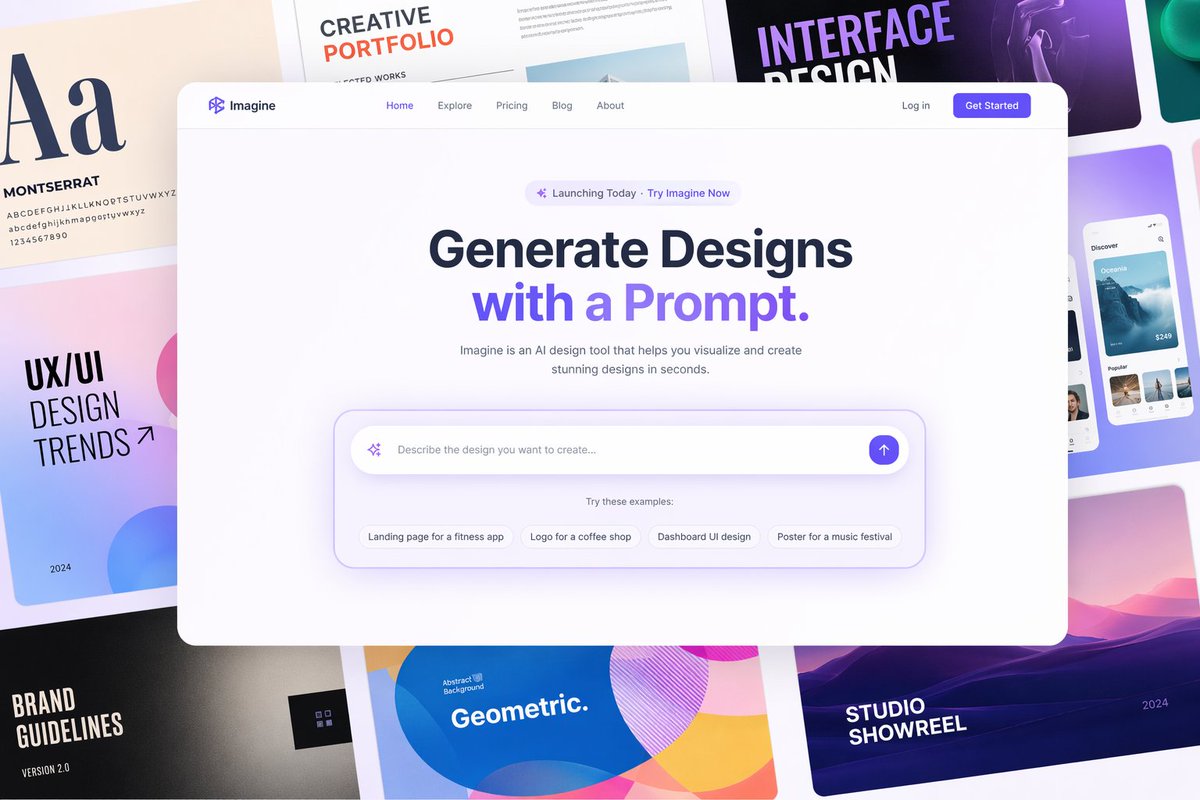
Describe the subject, composition, lighting, aspect ratio, exact text, and constraints. GPT Image 2 performs better when the prompt says what the asset must do.
Choose square, portrait, wide, or vertical before generating. Many bad results are format problems, not model problems.
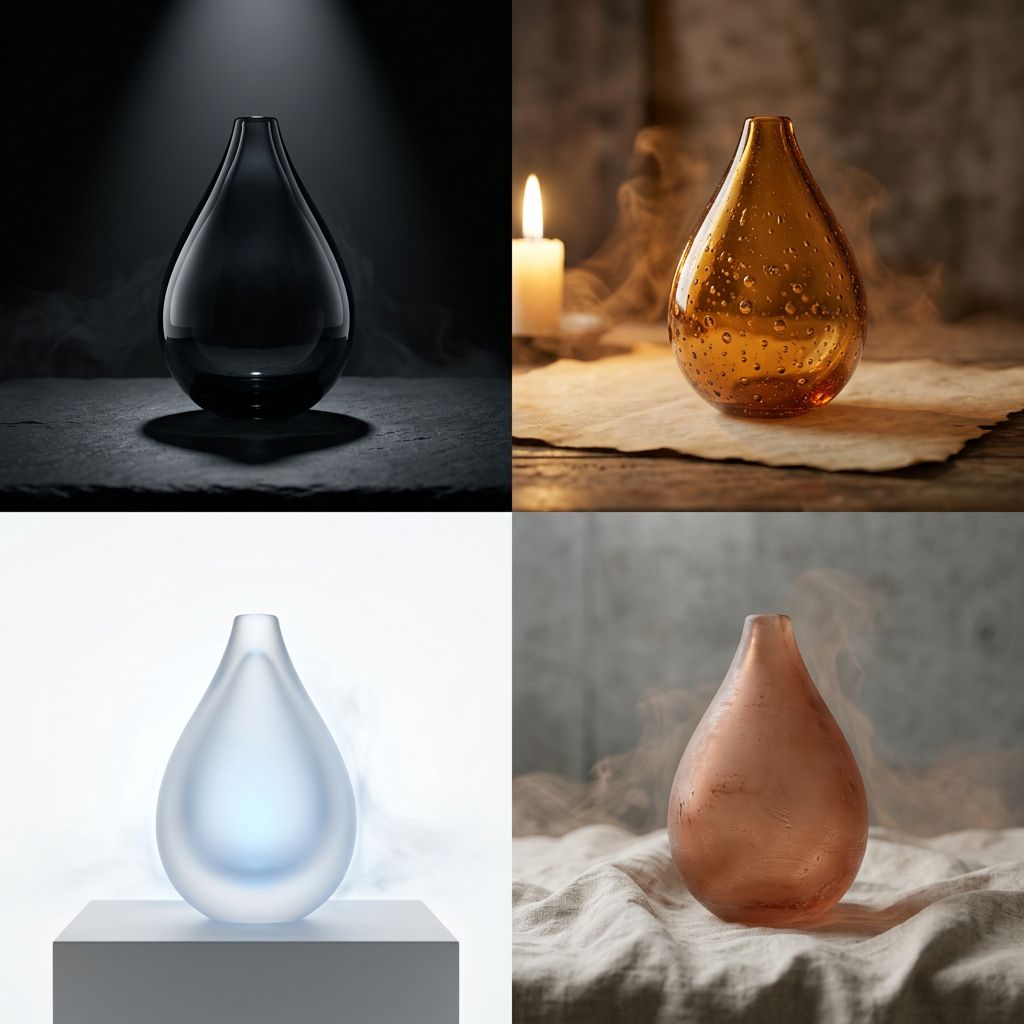
Keep the closest result and revise only the biggest problem: typography, product fidelity, background, lighting, or missing objects.
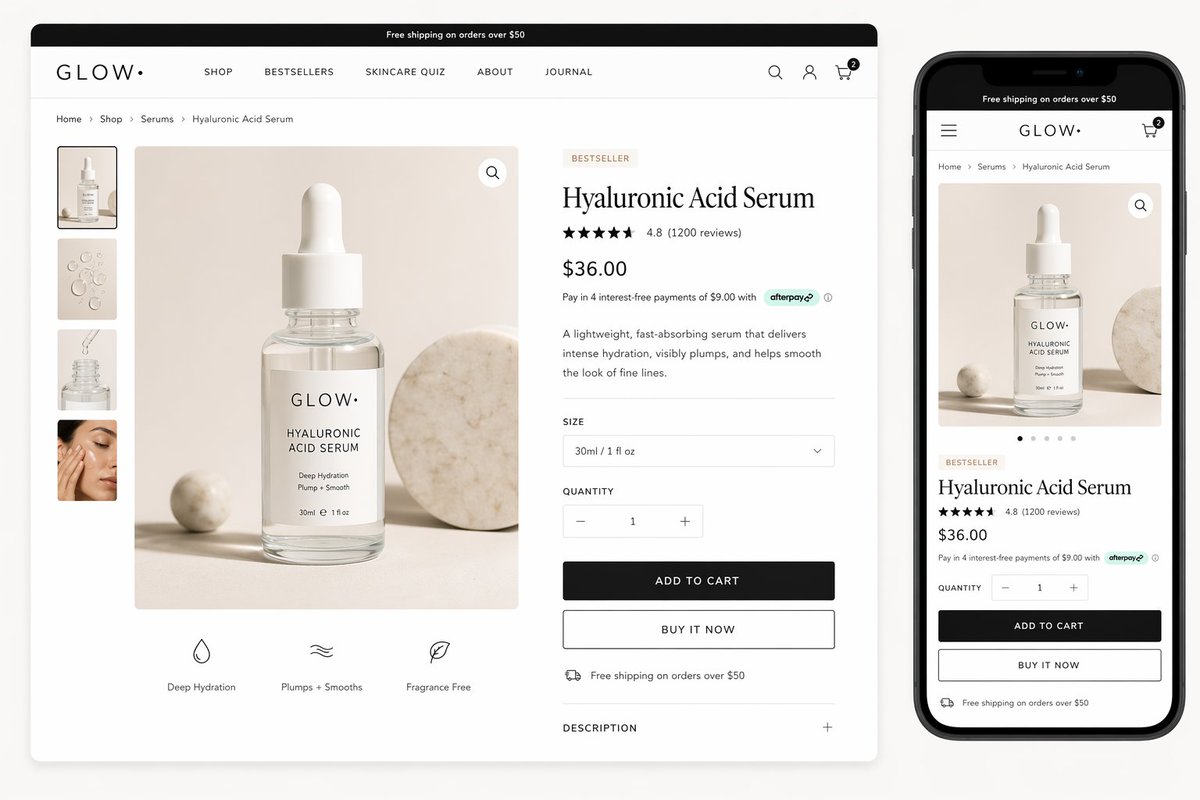
Use higher output settings for landing pages, presentations, print, and product listings. For social posts, keep the composition readable at feed size.
Use these directions to move from a broad image idea into a specific prompt structure.
Small prompt changes often improve GPT Image 2 results because most weak outputs come from unclear intent. Treat a broad ChatGPT image or GPT image idea as raw material, then turn it into a concrete image brief.
Name the subject, format, exact text, placement, mood, and final channel.
Say whether you need a product ad, editorial poster, UI mockup, illustration, or photo.
Lighting decides whether the output feels like ecommerce, editorial, cinematic, or casual content.
References help preserve product shape, layout, character identity, or brand style.
Fix one visible problem at a time instead of changing every instruction.
Choose the aspect ratio before generating so the composition does not fight the channel.
The strongest use cases are workflows where image quality, prompt control, and fast iteration all matter. Instead of treating GPT image generation as a one-off prompt, build a repeatable process for assets you can publish, test, or hand to a team.
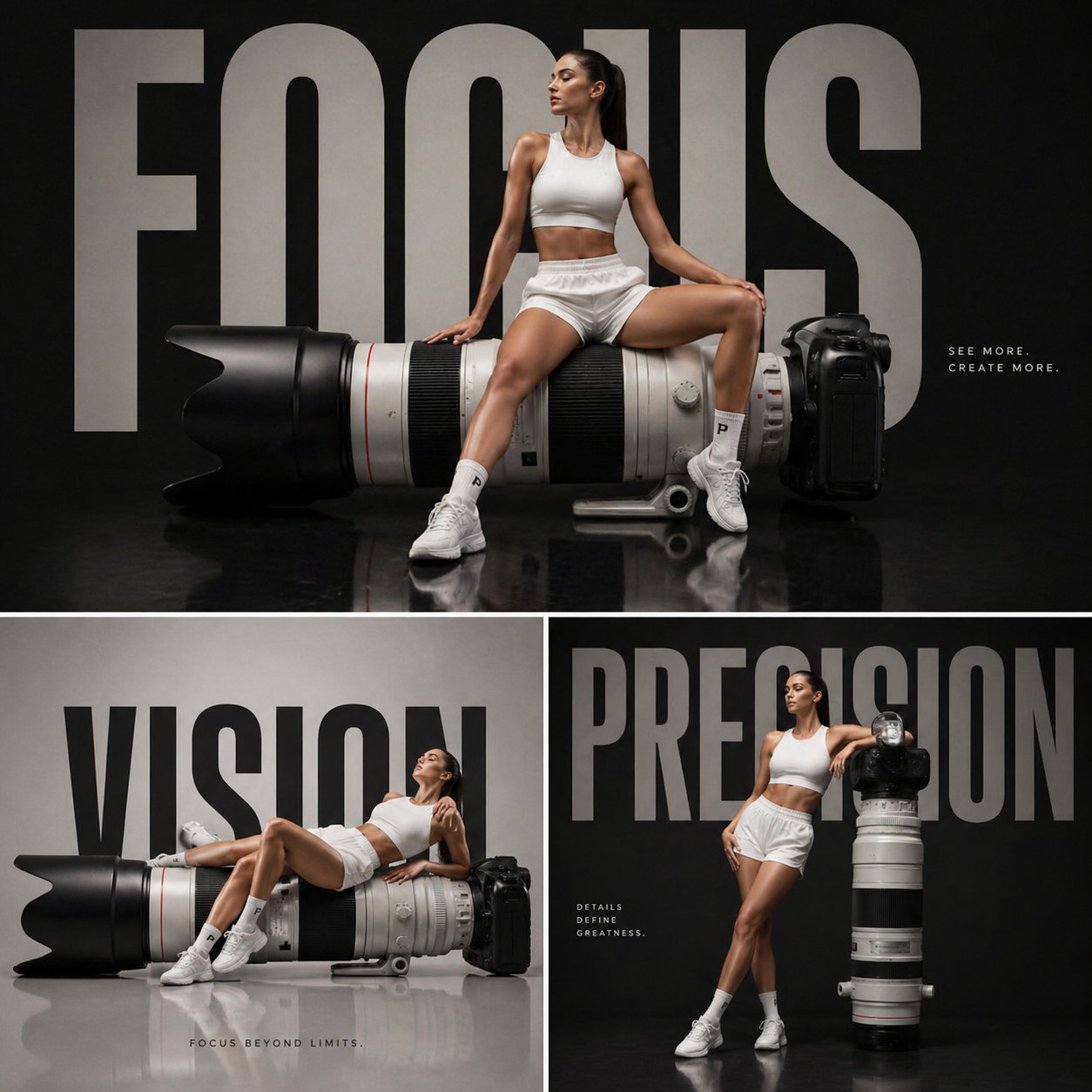
Create product ads, landing-page visuals, and campaign directions without waiting for a full production cycle.
Produce post visuals, thumbnails, covers, and seasonal assets with a repeatable prompt structure.
Explore app scenes, interface concepts, product boards, and placeholder visuals before building.
Turn rough creative ideas into polished visual directions for editorial, education, storytelling, and concept art.
New users get trial credits so they can test GPT Image 2 generation before buying more credits.
Open the GPT Image 2 workspace, enter a prompt, choose your settings, and use the available trial credits for your first generations.
A generic ChatGPT image request may stop at one prompt. This workflow goes further: it asks for the use case, exact text, reference material, aspect ratio, and revision target so the result can become a real asset instead of a quick experiment.
It is a good fit for posters, labels, signs, UI scenes, and branded visuals, especially when exact text is quoted in the prompt.
The workspace exposes practical output settings including 1K, 2K, and 4K options depending on the selected workflow and plan.
No. Start with a clear prompt or use the prompt library, then refine the output with plain-language instructions.
Turn a clear prompt, optional reference image, and target format into a production-ready GPT Image 2 visual.